Hope You Like Them.
BASIC
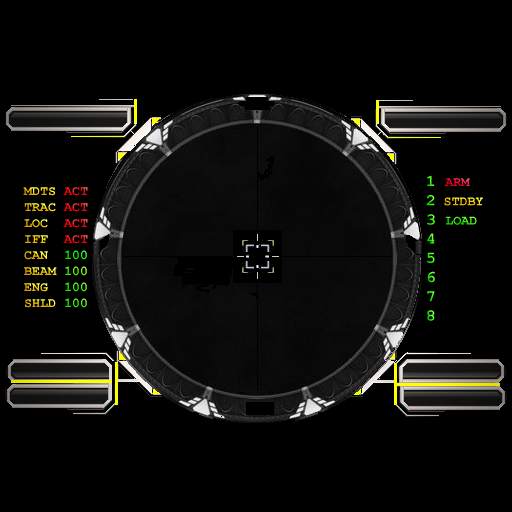
>
>
>
>
METAL
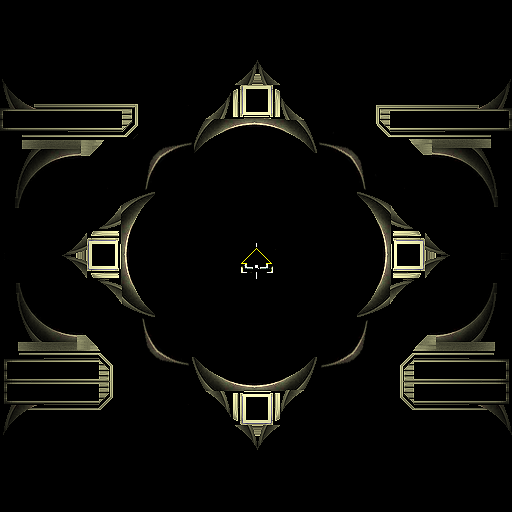
>
>
>
>
BLUE
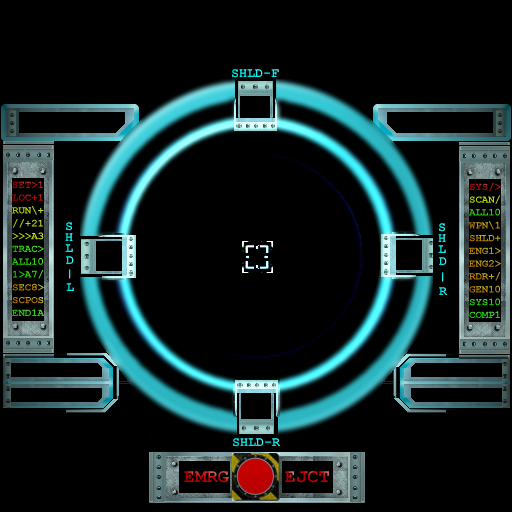
>
>
>
>
MAXED
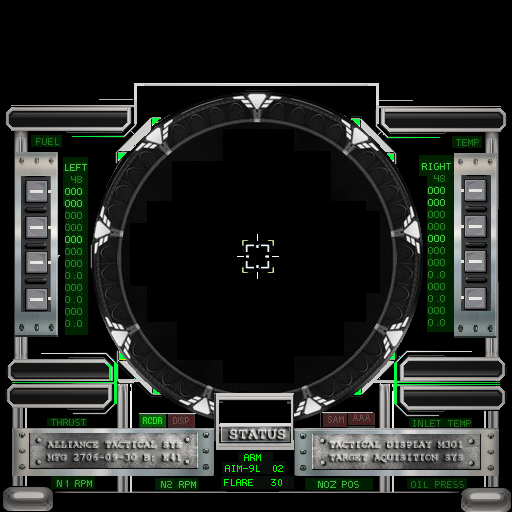
>
>
>
>
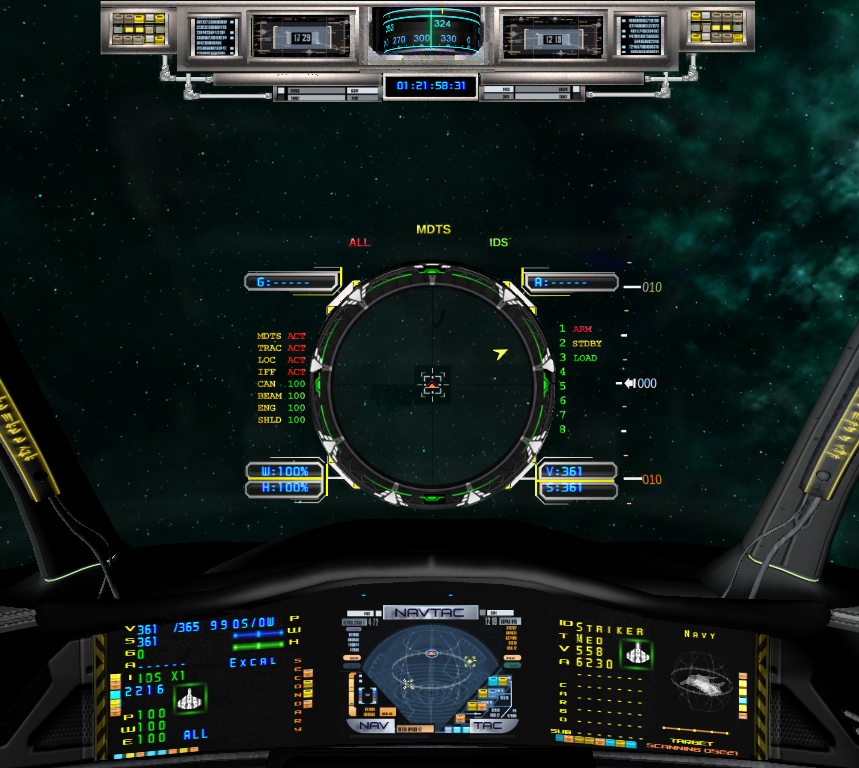
>
>
>
>
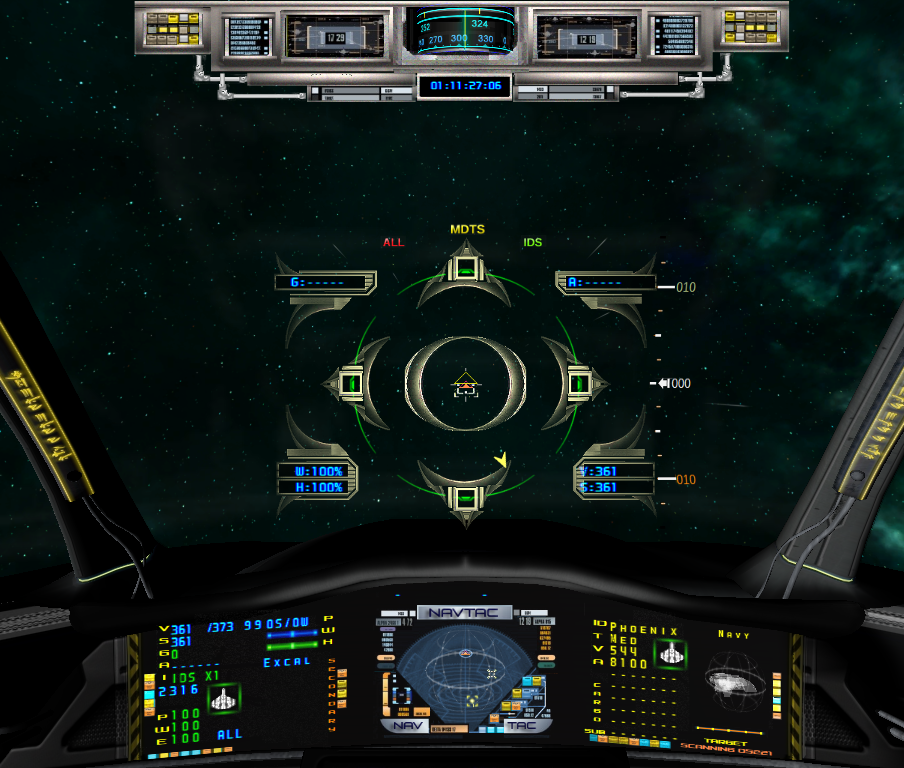
>
>
>
>
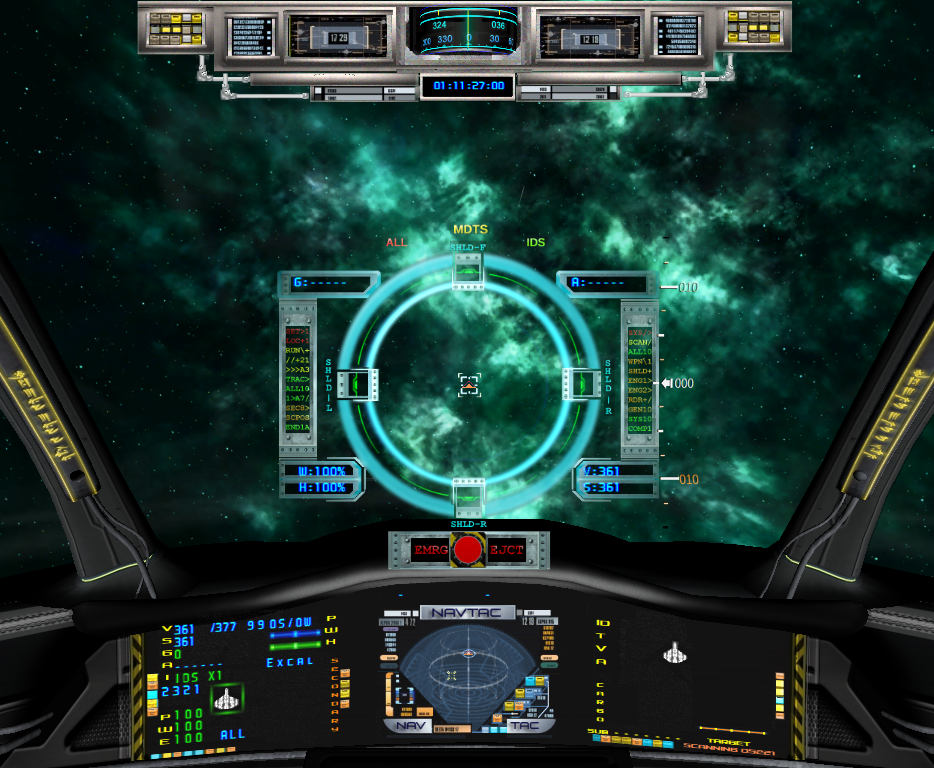
>
>
>
>
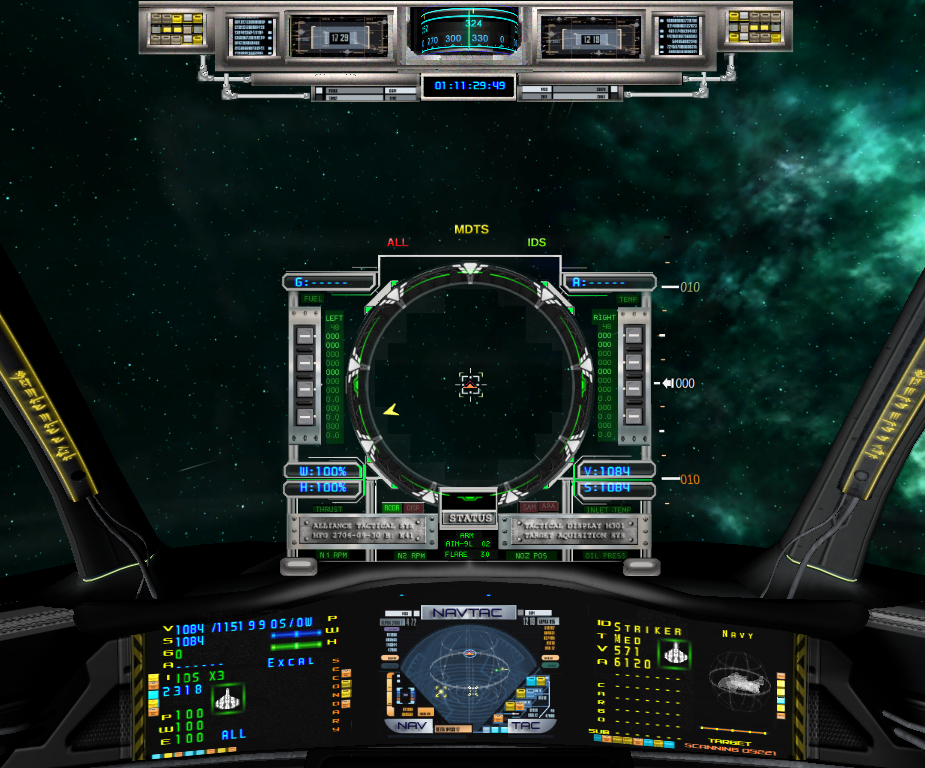
[Edited on 6-17-2013 by INKED MICHAEL]




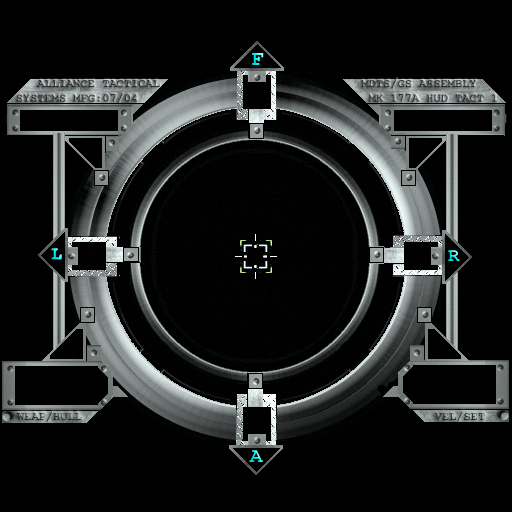
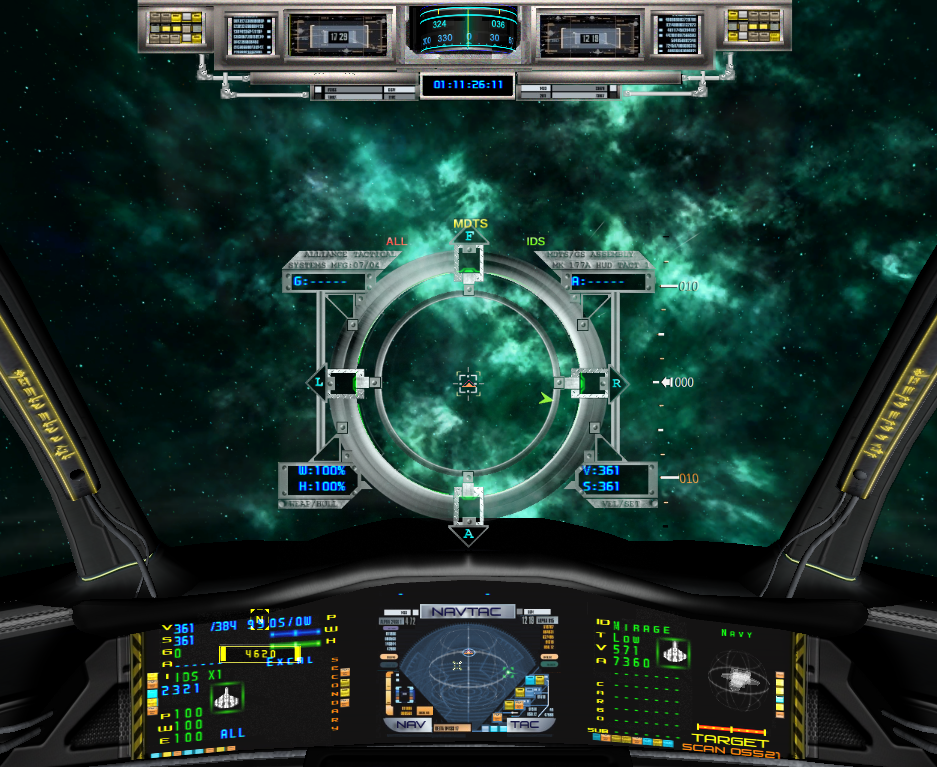
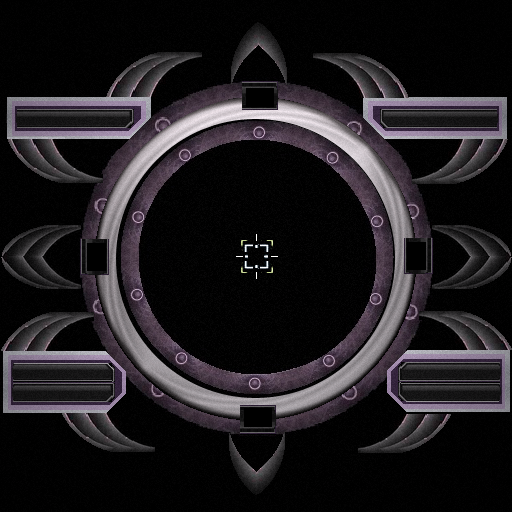
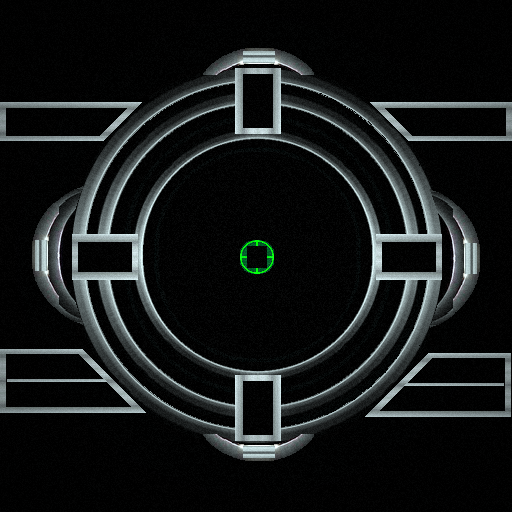
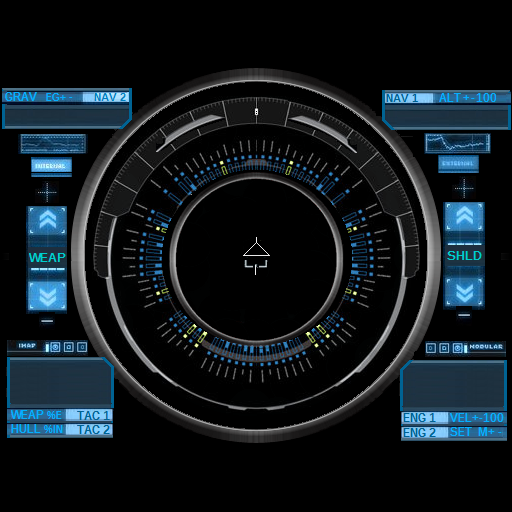
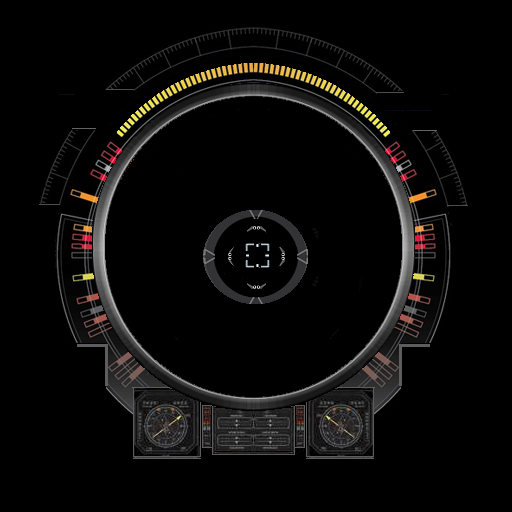
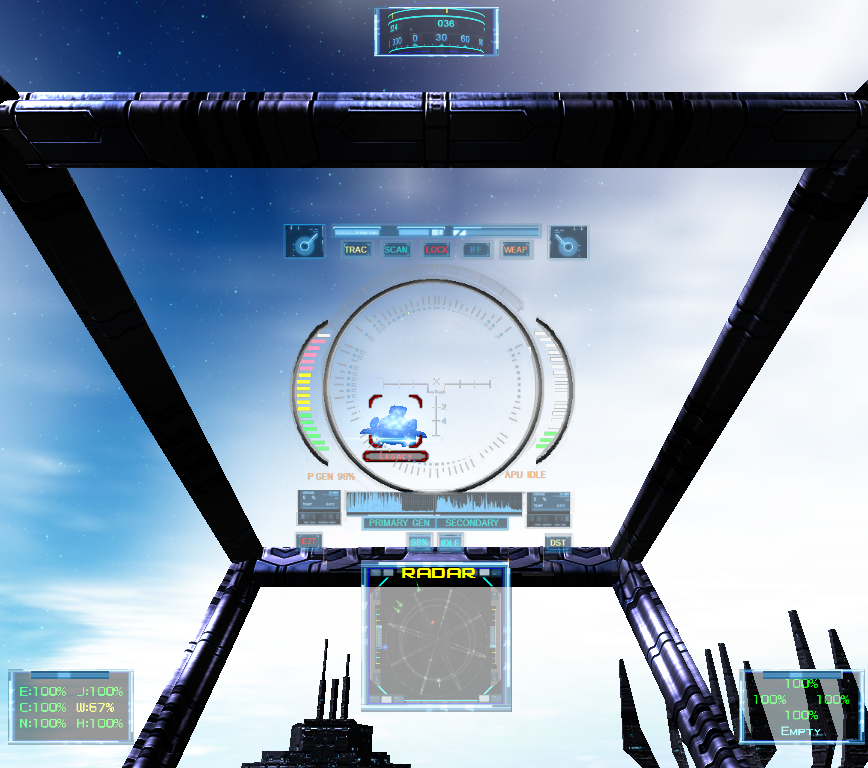
 No.2 has a nice Vonari look to it.
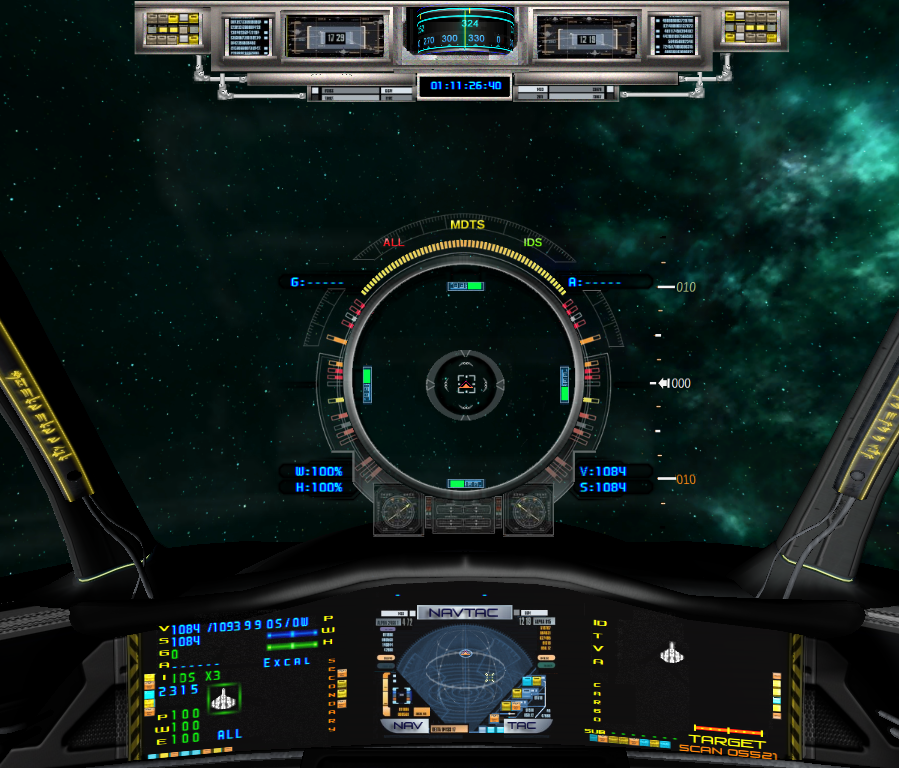
 - the maxed out would fit an X-301




 :P
:P


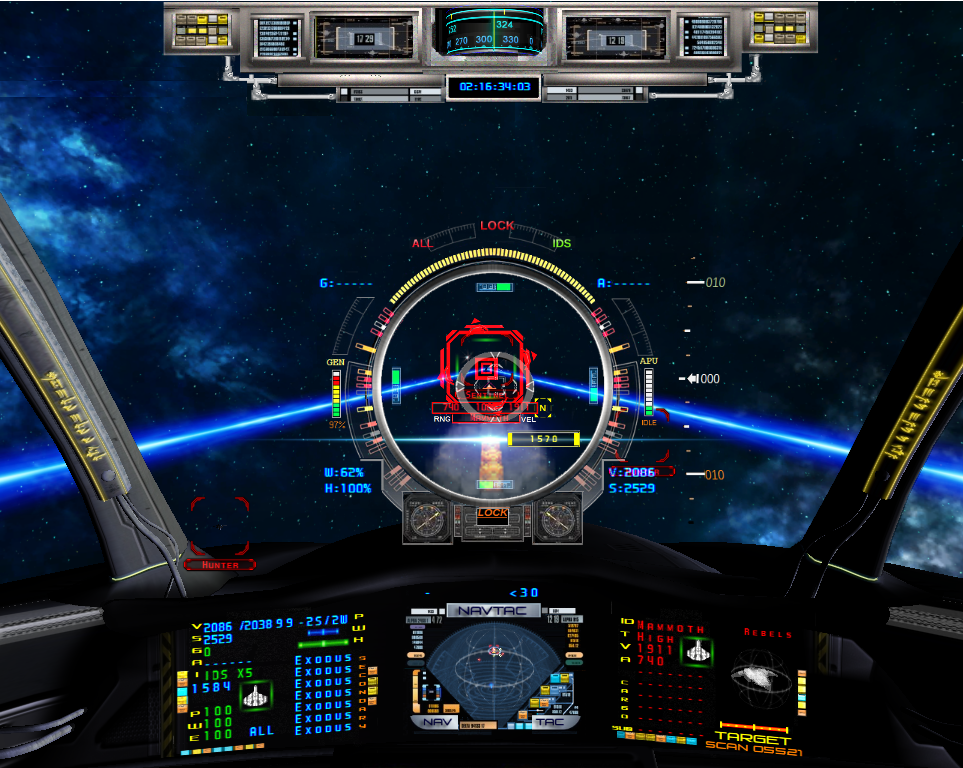
 :D:D
:D:D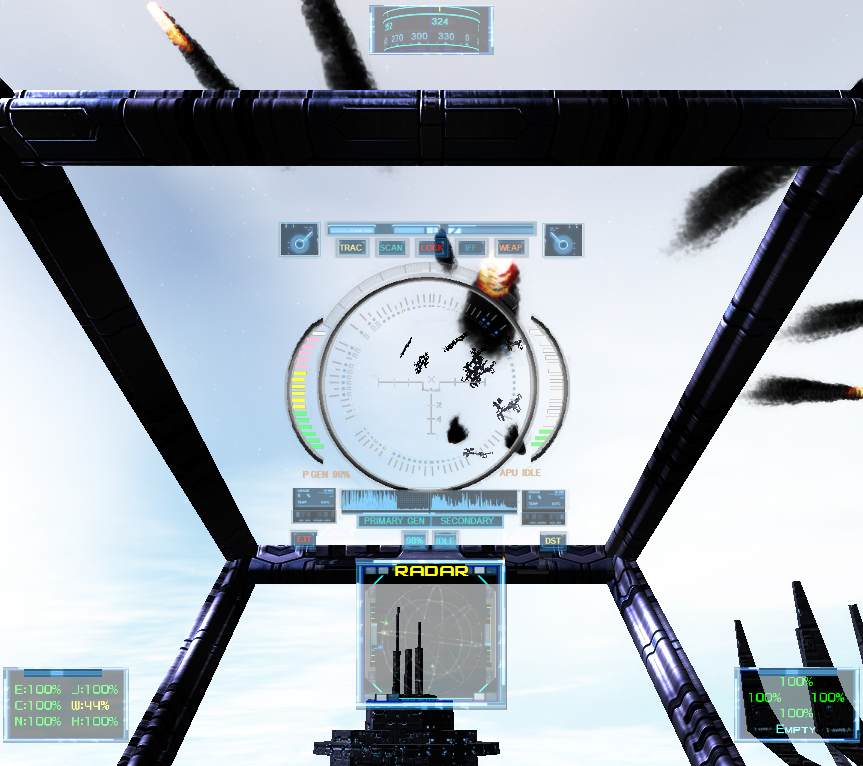



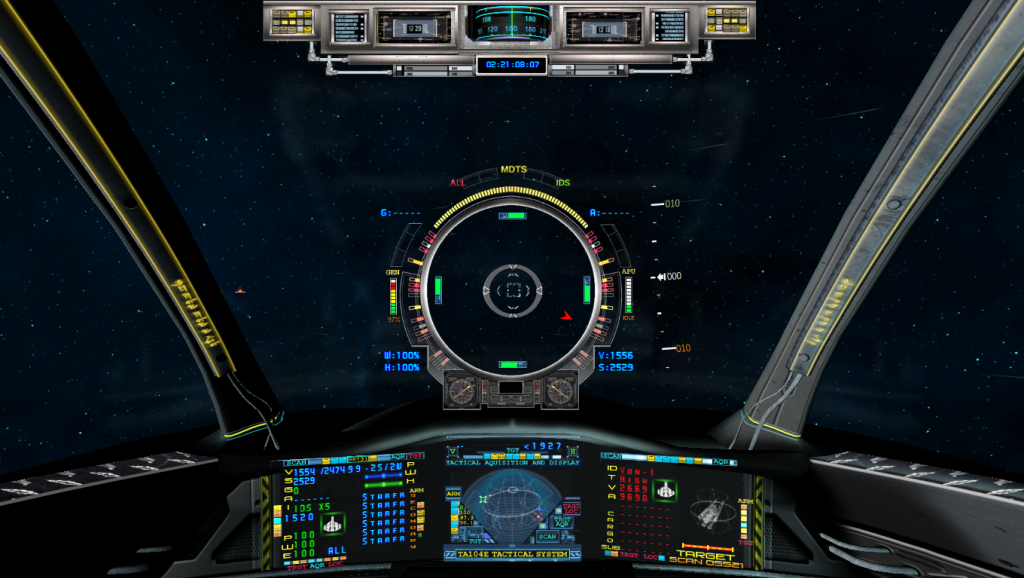
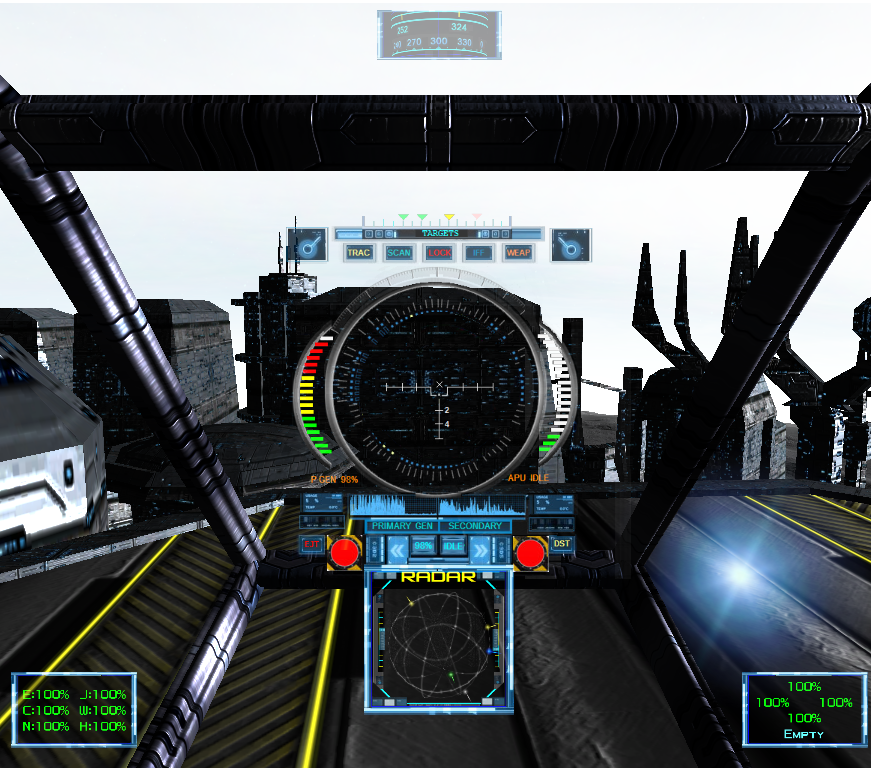
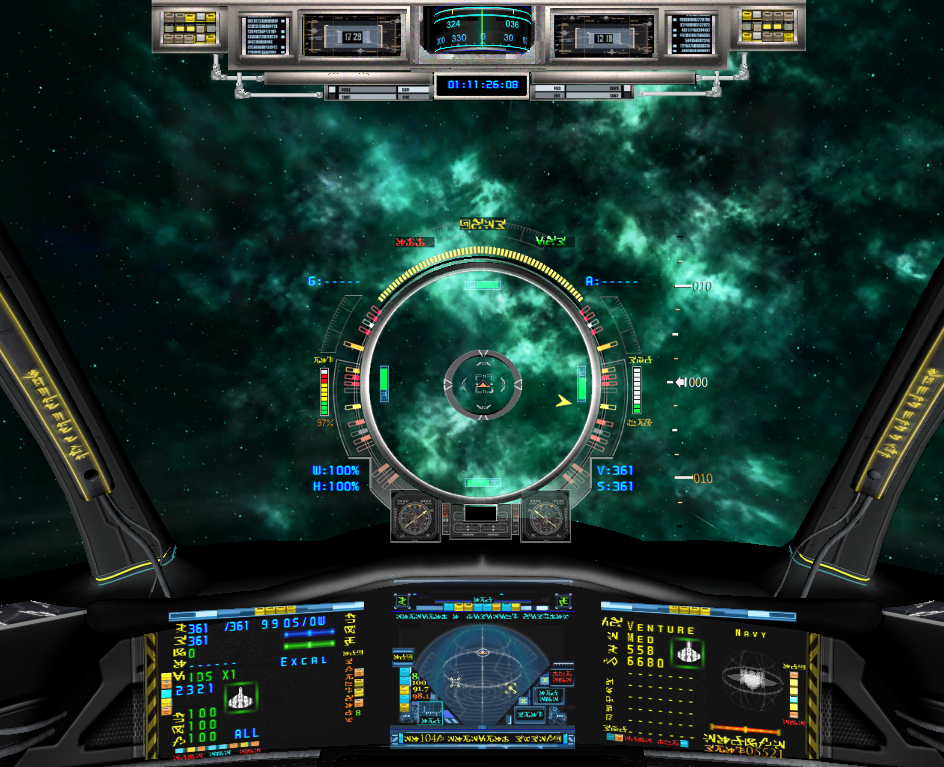
From post: 163100, Topic: tid=10875, author=INKED MICHAEL wrote:Tried to Change TEXT in the "text.dat" File but I Found Out that It CAN'T Be Changed.
That would be news to me. I know it can happen if you update the game ... now I gotta test to see if it happens w/o updating. According to the Customizing Kit, you can change that file. You can also change the font to something like wingdings for a really alien look.
To use a different font with the game, create a text file with the name setfont.txt in the same folder as the EXE and use these options for each line:
Font Name
Font Size
Font Bold (0 = off, 1 = on)
Font Type (character set, 1 = default)
Font Position Offset X (below 0 moves to the left, above 0 moves to the right)
Font Position Offset Y (below 0 moves up, above 0 moves down)
Font Size (display/HUD text)
The custom font options are used for two different modes. The first mode is for chat, message, console, and menu text. The position offset options will not impact this mode, so you can adjust them without effecting how the text is rendered. Button and menu graphics can be modified to accommodate different sizes and placements for the text as needed. The second mode is for the cockpit displays and parts of the HUD. This text can be adjusted to align with various 3D object positions using the offset options above.
You can also import a custom font into the game using the adjustable options above with an installed font, or you can also replace the 'evochronfont.ttf' file in the game's install folder and the game will apply the default scaling and appearance parameters.